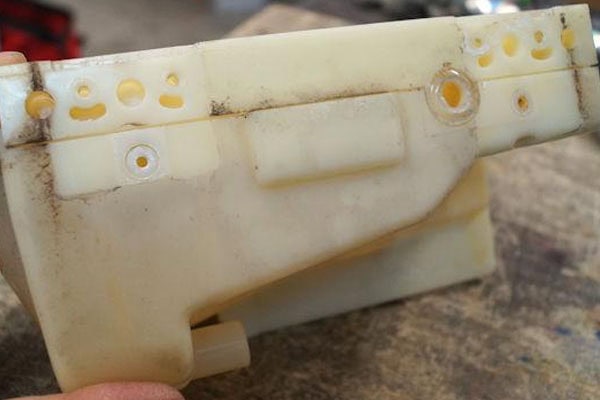
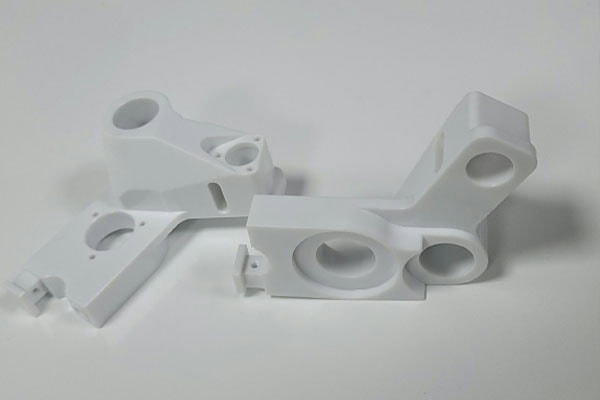
White plastic parts may develop yellowing, localized yellow discoloration, or differences in color between the machined area and the original material after CNC machining, milling, turning, or drilling. For white appearance parts, precision plastic parts, and products that need to maintain their original color, yellowing not only affects appearance but may also lead customers to mistakenly believe that the material has aged, the machining temperature was too high, or unqualified raw materials were used. During production, the material’s heat resistance, heat generated during machining, tool condition, machining time, cutting parameters, and subsequent cleaning methods can all affect yellowing in white plastics. Different plastic materials also show different yellowing characteristics. ABS, PC, PA, POM, PEEK, PMMA, and other materials have different chemical structures and heat resistance properties, so their color changes after exposure to high temperatures, ultraviolet radiation, oxidation, and machining friction are not exactly the same. Some materials maintain relatively stable color under normal CNC cutting conditions, while others may develop slight yellow, brownish-yellow, or even burnt marks when localized temperatures become too high.
Why Do White Plastic Parts Turn Yellow?
Excessively High Machining Temperature
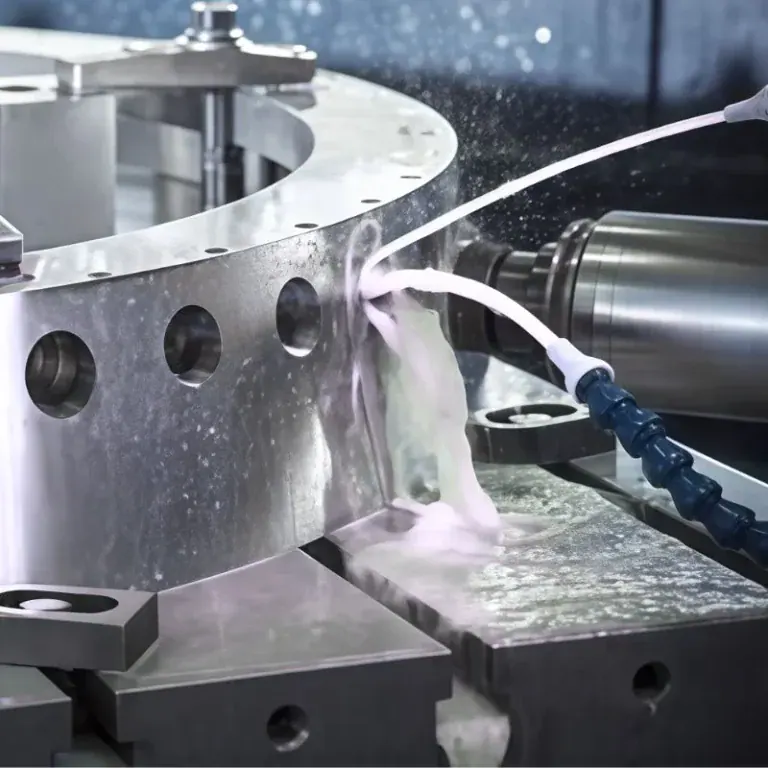
When CNC machining plastic, friction and cutting heat are generated between the tool and the workpiece. If the heat cannot be dissipated promptly, the temperature in localized areas may continue to rise, causing thermal degradation or color changes in some plastics. White materials are relatively sensitive to such changes. When the machining temperature is too high, yellowing is most likely to occur in areas where the tool cuts continuously, at the bottoms of deep grooves, around hole openings, and along thin-walled edges. If the following conditions occur during machining, possible overheating should be checked:
- Yellow or light brown marks appear on the machined surface
- Plastic chips show abnormal adhesion or color changes
- A burnt smell appears locally on the part
- Obvious burrs or softening appear along the machined edges
Tool Wear Increases Friction
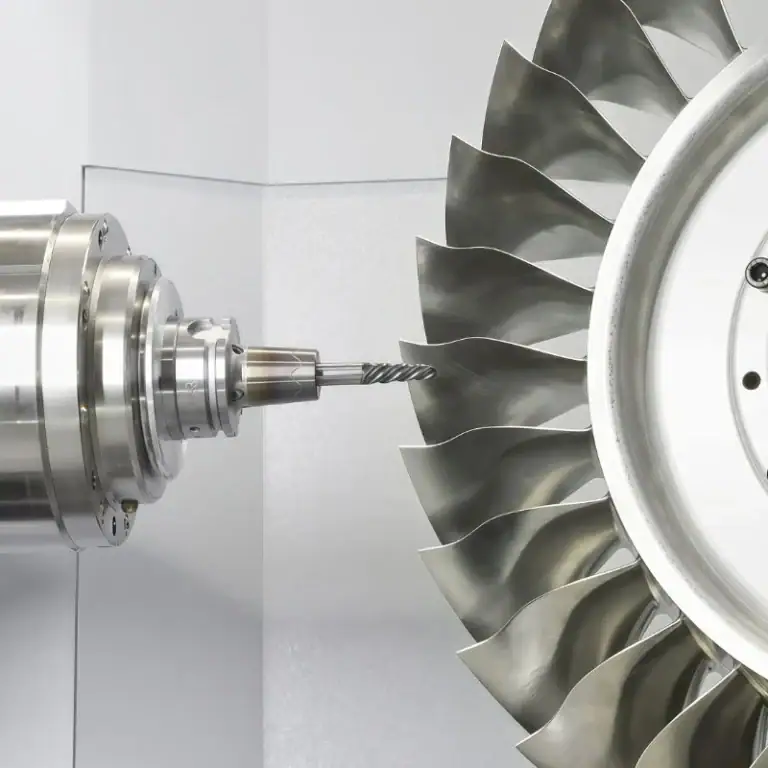
Tool condition has a noticeable effect on the color of white plastics. When the tool is sharp, it can remove material relatively smoothly. When the tool becomes worn, compression and friction between the cutting edge and plastic increase. The heat generated by friction becomes concentrated in a smaller area, potentially causing a localized temperature increase. If a visibly worn tool continues to be used for machining white plastic parts, it may cause not only yellowing but also increased burrs, stringing, and surface roughness.
What Machining Conditions Are Likely to Cause Yellowing in White Plastics?
Color changes after machining white plastics are related to the material itself as well as CNC machining conditions. Even when the same material is used, the final surface color may differ if the tool, spindle speed, feed rate, or machining method changes.
Improper Cutting Parameters
A higher spindle speed does not necessarily produce better plastic machining results. If the spindle speed is too high while the feed rate and cutting amount are not properly matched, excessive frictional heat may be generated between the tool and material. For relatively thin plastic parts, if the tool remains in one area for too long, the local temperature may continue to increase. Heat is particularly difficult to dissipate when machining small radii, narrow grooves, and enclosed areas. Therefore, cutting parameters for white plastic machining need to be adjusted according to the material grade, tool size, and part structure rather than directly applying machining parameters used for metal materials.
Insufficient Chip Removal
Plastic chips themselves have a certain insulating effect. When large amounts of chips accumulate around the tool, heat becomes more difficult to remove from the machining area. This is especially noticeable when machining deep grooves, deep holes, and blind holes. If chips cannot be removed promptly, the tool may repeatedly cut already-generated chips, further increasing friction and heat. Using compressed air, properly arranging tool paths, and improving chip evacuation conditions can reduce prolonged chip accumulation in the machining area.
Excessively Long Machining Time
Continuous machining of the same area for an extended period may also cause localized heat accumulation. For small holes, narrow grooves, or complex curved surfaces on white plastic parts, repeated tool movement in a localized area may cause color differences on the material surface due to continuous heating. The machining program should minimize unnecessary rapid movements and repeated cutting while ensuring that chips can be removed smoothly.
The Material Itself Also Affects the Degree of Yellowing
Different Plastics Have Different Heat Resistance
White plastic is not a single material. It refers to an appearance color produced by different plastics using various formulations and coloring treatments. Therefore, not all white plastics have the same resistance to yellowing. For example, POM generally has good dimensional stability and machinability, but localized heat marks may still occur under improper machining conditions. Materials such as ABS and PC may also be affected by machining temperature. PA is relatively sensitive to moisture, and its machining performance may vary when the material condition changes. For specific materials, the processing temperature range, heat resistance, and recommended machining conditions provided by the supplier should be consulted.
Aging of Raw Materials May Also Cause Color Changes
Some white plastics may already have undergone slight aging before entering CNC machining. If the material has been exposed to high temperatures, ultraviolet radiation, or humid environments for an extended period, noticeable color differences may still appear after machining even when the machining parameters are normal. Therefore, if only some parts in the same batch of material show yellowing, the raw material batch, storage time, and packaging condition should be checked rather than inspecting only the CNC equipment.
Frequently Asked Questions
Q: Does White Plastic Turning Yellow After CNC Machining Mean It Has Definitely Been Burned?
Not necessarily. Slight yellowing may be related to localized machining temperature, tool friction, or the inherent color stability of the material. If obvious brown or burnt-yellow discoloration appears together with a burnt smell, the machining area should be checked more carefully for severe overheating.
Q: Can Replacing the Tool Solve Yellowing in White Plastic Parts?
If the yellowing is mainly caused by tool wear, replacing the tool with a sharp one may significantly improve the machined surface. However, if the problem is caused by spindle speed, feed rate, cutting depth, material aging, or the raw material itself, simply replacing the tool cannot completely solve the issue.
Q: Can White Plastic Return to Its Original Color After Yellowing?
This depends on the degree of yellowing. If the discoloration is caused only by chips, oil, or slight machining marks adhering to the surface, cleaning or light surface treatment may improve the appearance. If the material has undergone thermal degradation or obvious burning, the original color generally cannot be restored simply through cleaning.
In conclusion
Yellowing of white plastic parts after machining is usually related to localized heat accumulation, tool wear, cutting parameters, chip evacuation conditions, and the properties of the material itself. For plastic parts with high appearance requirements, reasonable control needs to be maintained throughout the entire process, from raw material storage to completion of CNC machining. Raw materials should be kept away from prolonged exposure to high temperatures, strong light, or unsuitable storage environments, and the material grade and color should be confirmed before machining. During CNC machining, sharp tools suitable for plastic materials should be selected, and appropriate spindle speed, feed rate, and cutting depth should be set according to material hardness, part structure, and tool size. For areas such as deep grooves, narrow grooves, and deep holes that are prone to chip accumulation, plastic chips need to be removed promptly to prevent repeated cutting and frictional heat. If slight yellow marks are already observed on the machined surface during production, the tool condition, machining parameters, and chip evacuation should be checked promptly rather than continuing production under the original conditions.
If yellowing occurs only in localized areas, attention should be focused on whether the tool remained in that area for too long, whether the cutting load was excessive, or whether chips accumulated there. If the color of the entire part changes, the storage conditions of the raw materials, material batch, and environmental conditions before and after machining should also be checked. For products requiring consistent white appearance, a first-piece inspection can also be performed before formal batch production to confirm whether the color, surface quality, and dimensions of the actual sample meet the requirements. Therefore, yellowing after CNC machining of white plastic parts is not simply an appearance issue. It can often reflect changes in heat, tool condition, or material condition during machining. Maintaining sharp tools, appropriate cutting parameters, smooth chip evacuation, and stable material storage conditions can effectively reduce the probability of yellowing in the machining area while helping white plastic parts achieve more uniform color and stable surface quality.