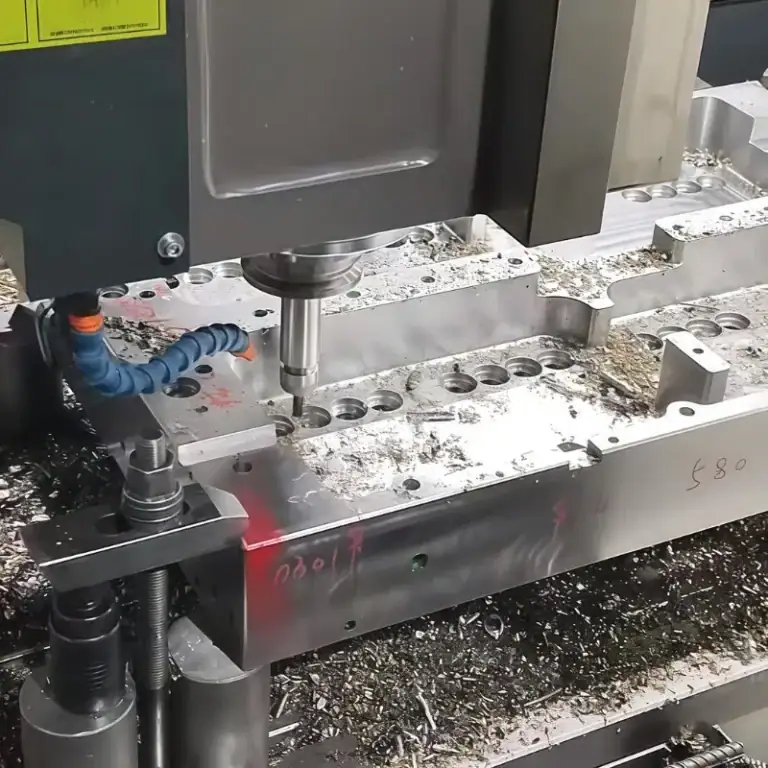
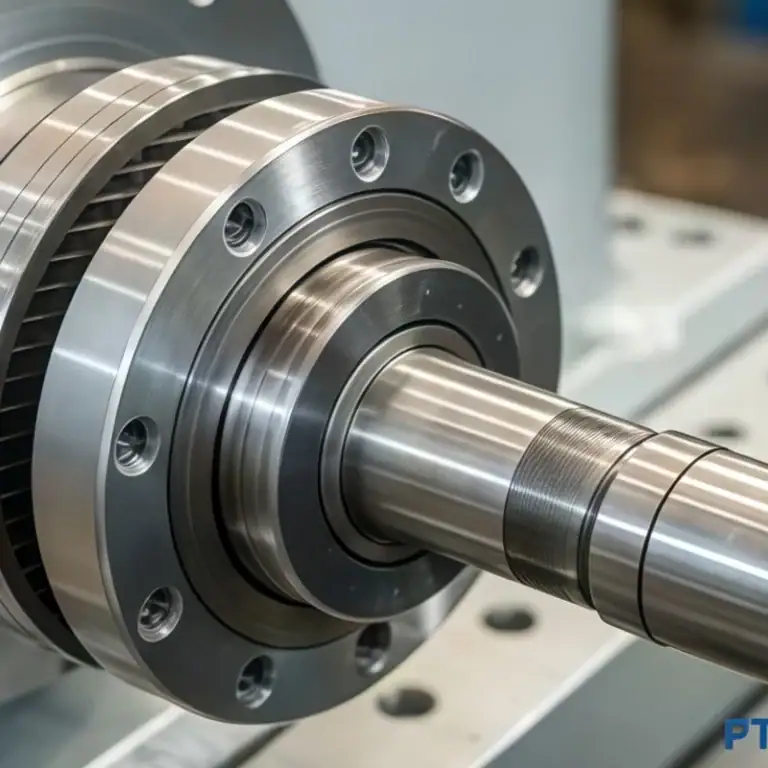
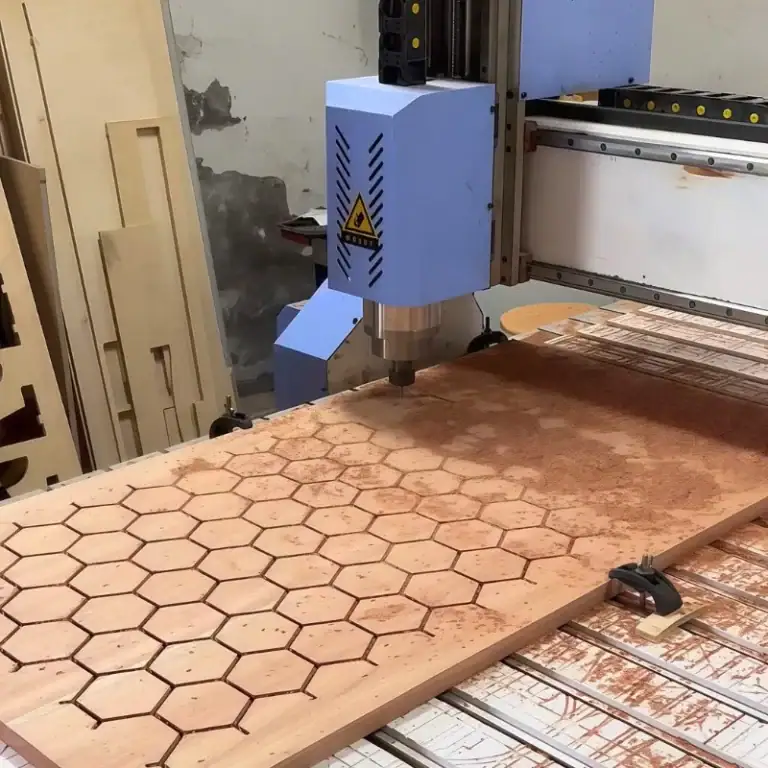
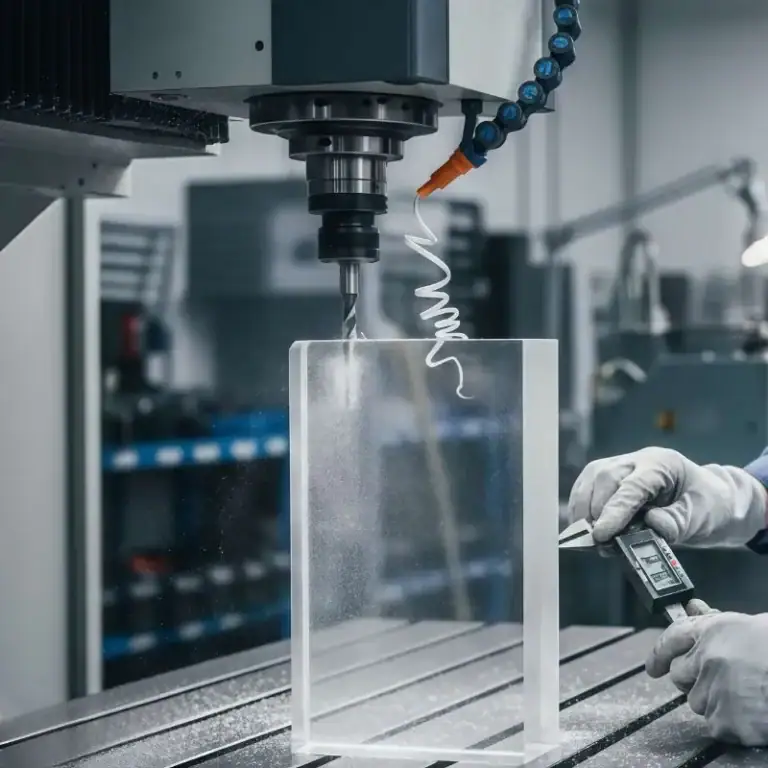
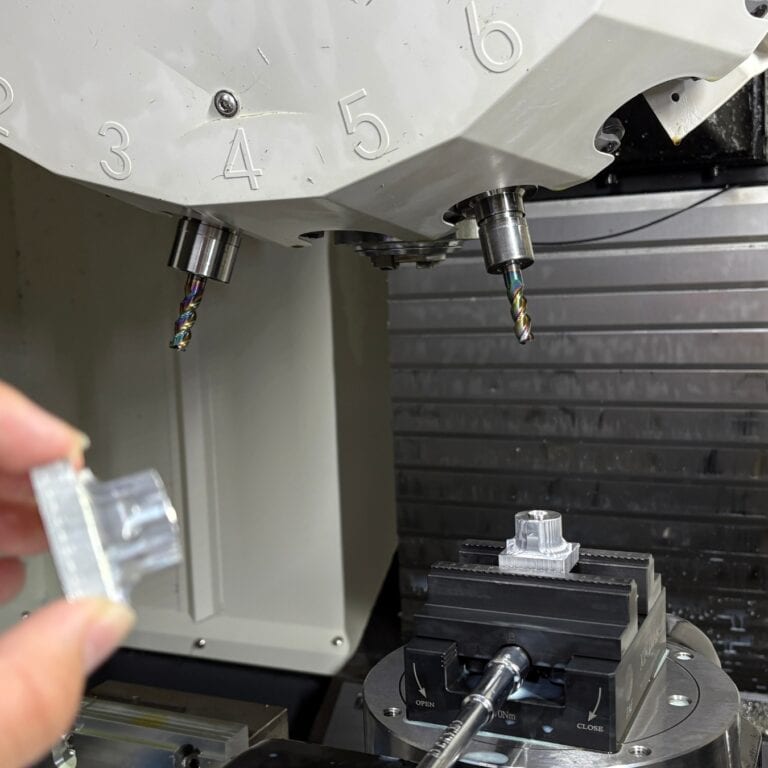
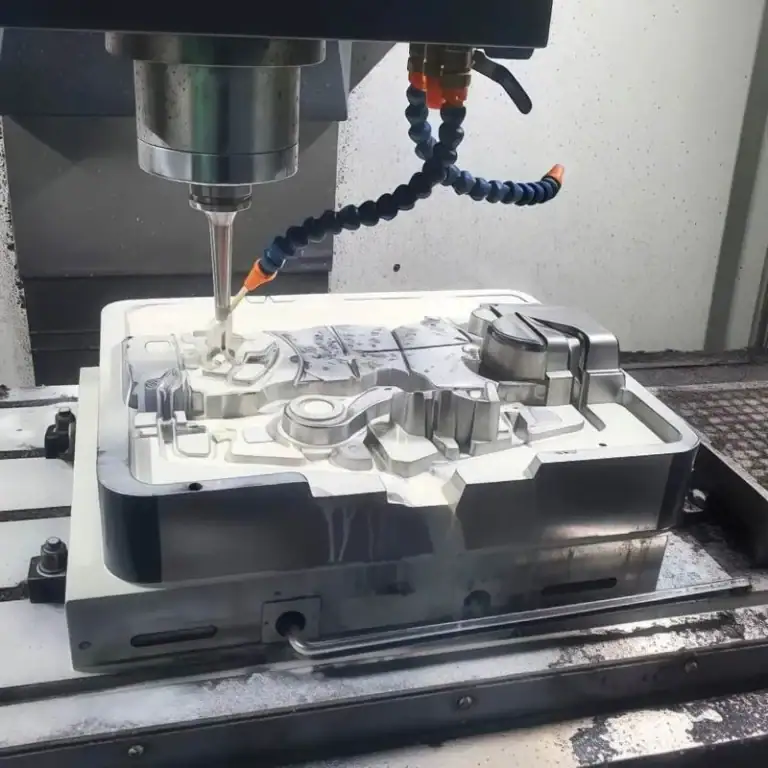
CNC routing is a computer-controlled cutting process used to shape wood, plastics, composites, and some soft metals into precise parts. A CNC router follows digital instructions to cut, drill, engrave, and profile materials with high accuracy and repeatability.
In this guide, you’ll learn what CNC routing is, how it works, its main advantages, and its common applications.
What Is CNC Routing?
What CNC routing means is automated routing controlled by software instead of by hand. CNC stands for Computer Numerical Control, meaning the machine follows coded instructions from a digital design. In practice, CNC routing uses a rotating bit to follow a programmed toolpath and cut the part as designed. It is a common subtractive method for large-format, softer, and sheet-based materials.
A CNC router is not just a powered cutting tool. It is part of a complete digital manufacturing workflow. The part is first created in CAD software, then converted into toolpaths in CAM software, and finally sent to the machine as instructions that control movement, spindle speed, cutting depth, and cutting sequence. This digital process allows the machine to produce the same result again and again with a high level of consistency.
In simple terms, CNC routing is often used to:
- Cut sheet materials into precise shapes
- Drill holes and machine slots
- Engrave letters, logos, and patterns
- Create repeatable parts for production
This is why CNC routing is widely used in industries that require both flexibility and efficiency. It can produce custom parts, prototypes, and batch production components with reliable accuracy.
How CNC Routing Works?
CNC routing works by converting a digital design into machine movements that guide a spinning tool through the material. The process usually begins with a CAD model or 2D drawing, then CAM software creates the toolpath and cutting settings. After setup, the CNC router follows these instructions to cut, groove, drill, or engrave the workpiece.
In a typical job, the operator will:
- Choose the right bit
- Fix the material on the table
- Set the zero point
- Load the program
- Start the cutting process
The spindle rotates at high speed while the machine moves along the X, Y, and Z axes to remove material in a controlled way. After machining, the part may be cleaned, finished, and inspected as needed.
Key Components of a CNC Router
The main components of a CNC router are the frame, the table, the spindle, the cutting tool, the drive system, and the controller. The frame and gantry support the machine structure, the bed or vacuum table holds the material, the spindle turns the tool, and the motors move the toolhead along the programmed path. The controller works as the machine’s brain and converts code into motion.
Each component affects cutting performance. For example:
- A rigid frame improves stability
- A suitable spindle supports proper cutting speed
- The right tool helps improve edge quality and tool life
- Good fixturing keeps the material secure during machining
In actual production, CNC routing performance depends not only on software and code, but also on machine rigidity, tooling, and workholding.
Types of CNC Routing Machines
CNC routing machines can be classified by their axis configuration and production capacity. The most common types are 3-axis, 4-axis, and 5-axis routers, and each type is designed for different levels of part complexity and machining flexibility.
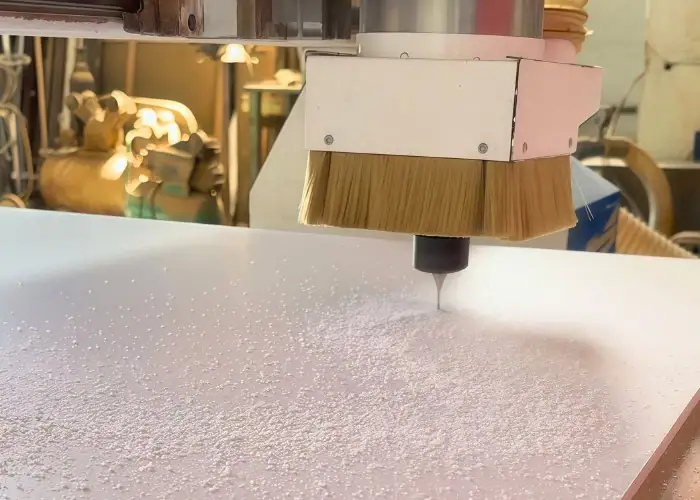
3-Axis Routers
A 3-axis CNC router moves along the X, Y, and Z axes and is the most common type of CNC routing machine. It is mainly used for flat sheet cutting, engraving, drilling, and profile machining. Because of its simple structure and wide applicability, it is often the standard choice for processing wood panels, MDF, acrylic sheets, plastic boards, and similar flat materials.
For most users, a 3-axis router is the most practical and cost-effective option. It is well suited for common applications such as sign making, furniture panels, and plastic sheet cutting. When people first ask what is CNC routing, the 3-axis machine is usually the most typical example because it covers the majority of standard routing tasks.
4-Axis Routers
A 4-axis CNC router adds a rotary axis to the three standard linear axes. This allows the machine to process cylindrical parts or machine around the side of a workpiece, giving it more flexibility than a 3-axis router. It is often used for rotary carving, curved surfaces, and parts that require machining from more than one side.
Compared with a 3-axis machine, a 4-axis router can reduce repositioning and improve efficiency for more complex shapes. It is a good choice when the work involves round parts, decorative columns, or components with side features that cannot be easily machined on a standard flat setup.
5-Axis Routers
A 5-axis CNC router offers the highest level of machining freedom by allowing the cutting tool to approach the part from multiple angles. In addition to the three linear axes, it includes two extra rotational movements, which makes it possible to machine advanced 3D forms, angled surfaces, and intricate geometries with fewer setups.
Because of this capability, 5-axis routers are usually selected for highly complex or precision-demanding applications. They are especially useful when part geometry is too complicated for simpler machines or when reducing setups can improve both efficiency and accuracy. Although they are more expensive and complex, they provide significant advantages in advanced manufacturing.
| Machine Type | Motion Capability | Main Advantages | Typical Applications |
| 3-Axis CNC Router | X, Y, Z linear movement | Simple, cost-effective, suitable for flat materials | Sign making, furniture panels, acrylic sheets, wood parts |
| 4-Axis CNC Router | X, Y, Z + rotary axis | Better for cylindrical and curved parts | Rotary carving, columns, curved surfaces, complex profiles |
| 5-Axis CNC Router | X, Y, Z + two rotational movements | Handles complex 3D parts, reduces setups, better tool access | Advanced 3D machining, molds, custom components |
Materials Used in CNC Routing
CNC routing is commonly used with materials that can be cut efficiently with a rotating tool. The most common material groups include wood and MDF, plastics and acrylic, as well as selected composites and soft metals.
Wood and MDF
Wood and MDF are among the most common materials used in CNC routing because they cut cleanly and are well suited to large sheet processing. CNC routers are widely used for plywood, MDF, hardwood panels, and similar board materials in furniture, cabinetry, decorative panels, and sign backers.
Plastics
Plastics and acrylic are common CNC routing materials because they are easy to machine and suitable for clean cuts, profiles, and engraved details. They are widely used in signage, display parts, housings, and other custom sheet-based components.
- Acrylic is preferred for clear, smooth, and visually appealing parts.
- PVC Foam Board is often used where lightweight structure and durability are needed.
- ABS is a practical option for strong and functional routed parts.
Composites and Soft Metals
Composites and some soft metals can also be processed by CNC routing, especially when fast cutting of sheets or panels is needed. Common examples include aluminum composite panels, foam-core boards, lightweight composites, and selected non-ferrous metals, although harder metals are generally better suited to milling.
| Material Group | Common Examples | Main Advantages |
| Wood and MDF | Plywood, MDF, hardwood panels | Easy to cut, cost-effective, suitable for large sheets |
| Plastics and Acrylic | Acrylic, PVC foam board, ABS sheet | Clean profiles, detailed cutouts, smooth engraving |
| Composites and Soft Metals | Aluminum composite panel, foam-core board, selected non-ferrous metals | Fast sheet cutting, wider material range |
Key Differences Between CNC Routing and Milling
CNC routing and CNC milling are both computer-controlled cutting processes, but they are designed for different types of work. In general, CNC routing is better for large sheets and softer materials, while CNC milling is better for harder materials and tighter tolerances.
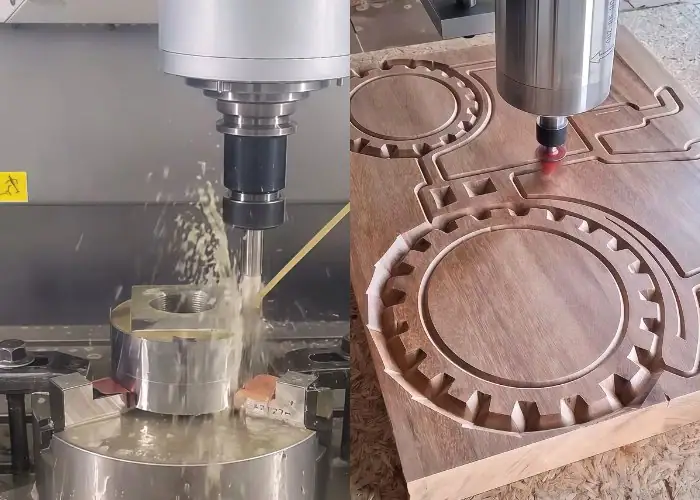
| Aspect | CNC Routing | CNC Milling |
| Best Materials | Wood, MDF, plastics, acrylic, composites | Metals, hard plastics, dense materials |
| Machine Structure | Lighter gantry-style design | Heavier and more rigid |
| Main Strength | Fast sheet cutting | Higher precision and cutting force |
| Typical Use | Signs, panels, furniture parts | Precision metal and machined parts |
When to Choose CNC Routing
CNC routing is usually the better choice when the job involves large flat parts, softer materials, fast turnaround, or repeated sheet-based production. It is commonly used for sign panels, furniture components, acrylic parts, and prototype boards.
If the project requires harder materials, tighter tolerances, or heavier cutting, CNC milling is usually more suitable. The best choice depends on the material, part design, and production needs.
Advantages and Limitations of CNC Routing
CNC routing is widely used because it combines speed, repeatability, and flexibility in one process. At the same time, it also has practical limits in rigidity, material range, and tolerance control. Looking at both sides helps readers understand when CNC routing is the right choice.
Advantages of CNC Routing
The main advantages of CNC routing are speed, repeatability, flexibility, and ease of use. Because the machine follows digital instructions, it can produce consistent parts with less variation than manual routing. This makes it especially useful for processing large sheets and repeated parts in a stable and efficient way.
CNC routers are also versatile. One machine can often perform several operations, including:
- Cutting
- Drilling
- Engraving
- Grooving
- Profiling
Another advantage is production efficiency. For materials such as wood, MDF, plastics, acrylic, and many composites, CNC routing can help manufacturers:
- Shorten cycle times
- Improve part consistency
- Reduce manual labor
- Lower rework rates
- Support both prototypes and batch production
In addition, CNC routing is relatively accessible compared with some more advanced machining processes. Once operators understand basic CAD/CAM software, machine setup, and cutting parameters, they can handle a wide range of routing tasks on the same platform.
Limitations of CNC Routing
The main limitations of CNC routing are lower rigidity than milling, a narrower material range, and reduced suitability for very tight tolerances in hard materials. CNC routers are mainly designed for speed and sheet processing, so they are not the best choice for heavy-duty cutting or difficult metals.
This means CNC routing is generally less suitable for:
- Hard metals
- High cutting-force applications
- Very tight tolerance requirements
- Deep or heavy material removal
Another limitation is process sensitivity. Cutting quality depends strongly on the machine setup, tool selection, workholding, and cutting parameters. If the tooling is wrong or the feeds and speeds are poorly matched, the result may include:
- Poor edge finish
- Chipping or melting
- Reduced accuracy
- Shorter tool life
- Unstable cutting performance
In practice, CNC routing performs best when the application matches its strengths. It is excellent for sheet materials and high-efficiency cutting, but for harder materials or more demanding precision requirements, CNC milling is often the better option.
| Aspect | Advantages of CNC Routing | Limitations of CNC Routing |
| Speed | Fast cutting for sheet materials and repeated parts | May need slower settings for difficult materials |
| Accuracy | Good repeatability for many routing jobs | Less suitable for very tight metal tolerances |
| Flexibility | Can perform multiple operations on one machine | Capability depends on tooling and setup quality |
| Materials | Works well with wood, MDF, plastics, acrylic, and many composites | Not ideal for hard metals or heavy-duty cutting |
| Production | Suitable for prototypes and batch production | Performance can drop if rigidity or fixturing is insufficient |
Applications of CNC Routing
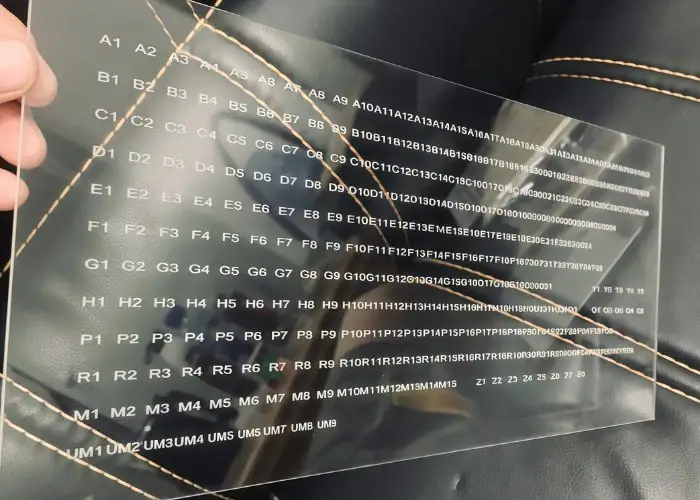
CNC routing is widely used in manufacturing because it combines speed, flexibility, and repeatability. It is commonly applied in sign making, furniture production, prototyping, cabinetry, plastic fabrication, and other custom part applications.
Sign Making
CNC routing is widely used in sign making because it cuts letters, panels, and profiles quickly and cleanly. Acrylic signs, PVC boards, aluminum composite sign faces, and engraved display elements are classic routing jobs. The process is valued here for fast turnaround, repeatability, and the ability to handle large flat sheets efficiently.
Furniture Manufacturing
CNC routing is used in furniture manufacturing because it is ideal for cutting panels, shapes, holes, and grooves in wood-based sheets. Cabinet components, shelves, back panels, and decorative furniture parts can all be produced from digital files with repeatable dimensions. This makes routing especially useful for batch production and customized layouts.
Cabinetry and Interior Panels
CNC routing is commonly used in cabinetry and interior panel production because it can process sheet materials into precise components with consistent dimensions. It is suitable for cabinet doors, shelving panels, wall panels, partitions, and other interior parts that require repeatable cutting and drilling.
Display and Decorative Applications
CNC routing is also well suited to display and decorative work because it can create detailed profiles and custom shapes in wood, plastic, and composite boards. Common examples include exhibition panels, point-of-sale displays, decorative boards, and architectural feature panels.
How to Start a CNC Routing Project?
Starting a CNC routing project means preparing the right design information, material requirements, and production details before machining begins. For customers, the key is not learning how to operate the machine, but making sure the part can be produced accurately, efficiently, and cost-effectively.
Prepare the Right Design File
To start a CNC routing project, the first step is to provide a clear design file. In most cases, 2D drawings, CAD files, or vector files are used to define the part shape, dimensions, cutouts, and hole positions. Clear drawings help reduce misunderstandings and make the machining process more efficient.
If the project includes custom features, tight tolerances, or specific surface requirements, these should also be indicated in the design documents. The more complete the file is, the easier it is to evaluate manufacturability and provide an accurate quotation.
Choose the Right Material and Requirements
Material selection is another important part of starting a CNC routing project. Customers should identify the material type, thickness, quantity, and any special requirements before production begins. Common routed materials include wood, MDF, acrylic, plastics, composites, and selected soft metals.
It is also helpful to define key project requirements such as:
- Part dimensions
- Tolerance expectations
- Edge quality
- Surface finish
- Production volume
These details affect both machining feasibility and production cost.
Confirm Machining Details with the Supplier
Before production starts, machining details should be reviewed with the supplier to make sure the process matches the project goals. This may include checking part geometry, material suitability, cutting methods, lead time, and quantity requirements.
A reliable CNC routing supplier can also help optimize the design for better manufacturability, lower waste, and more stable production quality. This is especially important for custom parts, prototypes, and repeat production jobs.
FAQs
What Is A CNC Router Used For?
A CNC router is used for cutting, drilling, engraving, and profiling materials such as wood, MDF, acrylic, plastics, and composites. It is widely used in sign making, furniture, cabinetry, and prototyping because it offers good repeatability and efficient sheet processing.
What Is A 4-Axis CNC Router?
A 4-axis CNC router is a machine with X, Y, and Z motion plus one rotary axis. This extra axis allows it to machine curved, round, or more complex parts with fewer repositioning steps than a 3-axis router.
What Is The Best Software For CNC Router?
The best software for a CNC router depends on the machine, workflow, and user skill level. In most cases, good CNC router software should support drawing, toolpath creation, and machine control while remaining stable and easy to use.
Can A CNC Router Replace A Milling Machine?
A CNC router cannot fully replace a milling machine. A router is better for large sheets and softer materials, while a milling machine is better for hard metals, higher cutting forces, and tighter precision requirements.
Conclusion
CNC routing helps manufacturers produce accurate and repeatable parts from materials such as wood, MDF, plastics, acrylic, composites, and selected soft metals. The right routing solution depends on factors such as material type, part size, required accuracy, production volume, and overall cost efficiency.
At TiRapid, we provide precision CNC machining for custom routed parts across multiple industries. Upload your design to get a tailored solution for your CNC routing project.