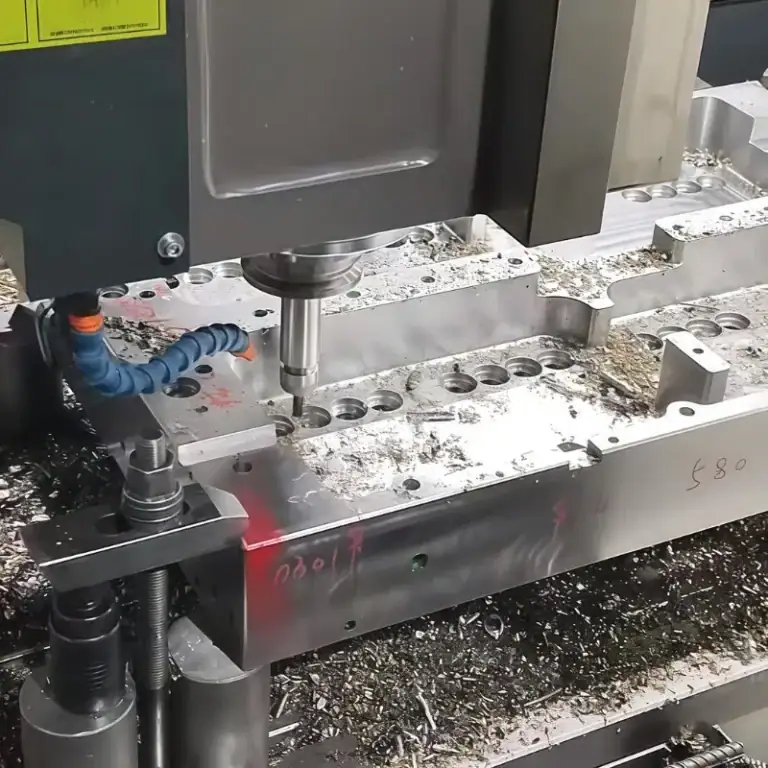
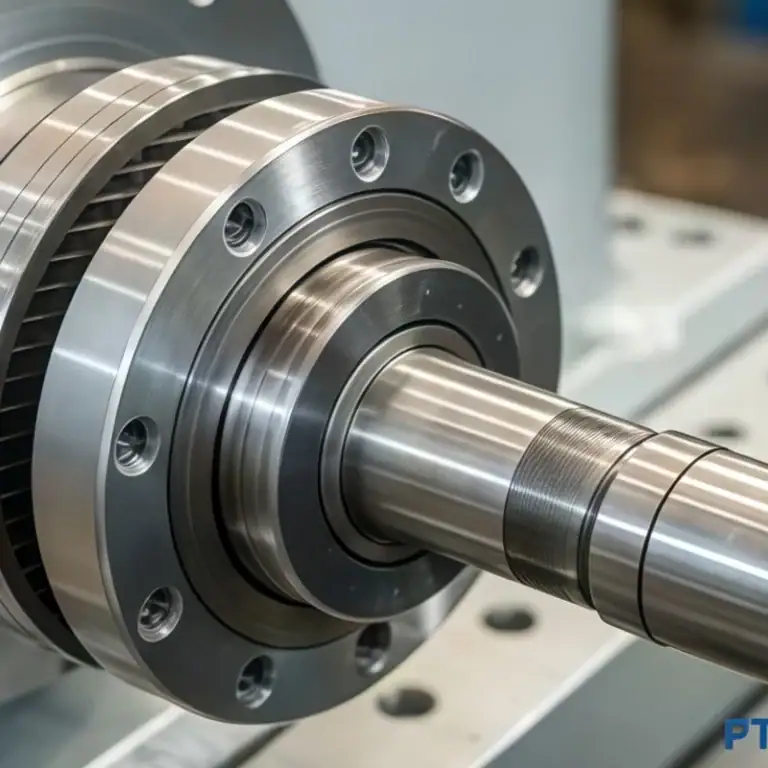
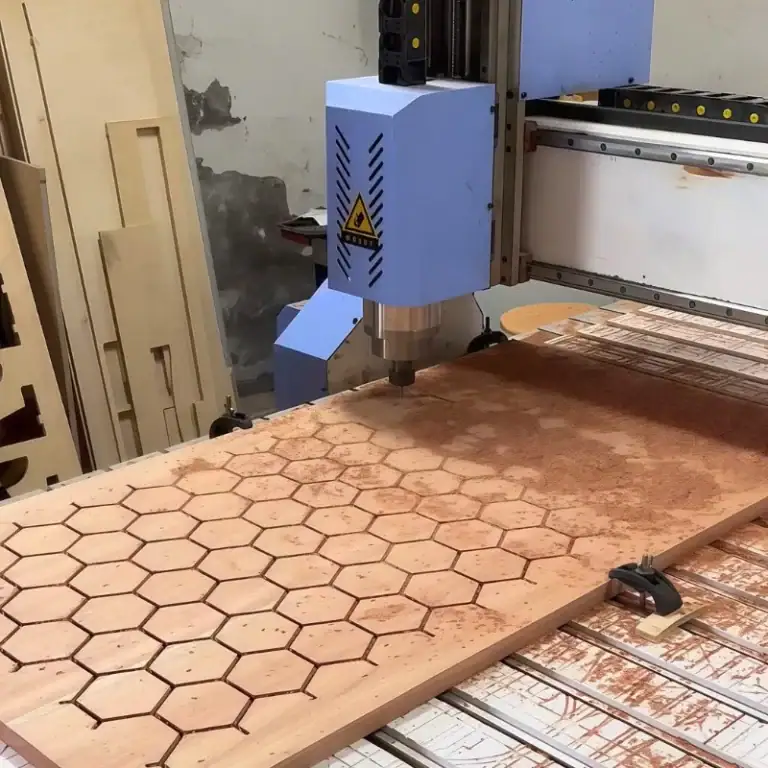
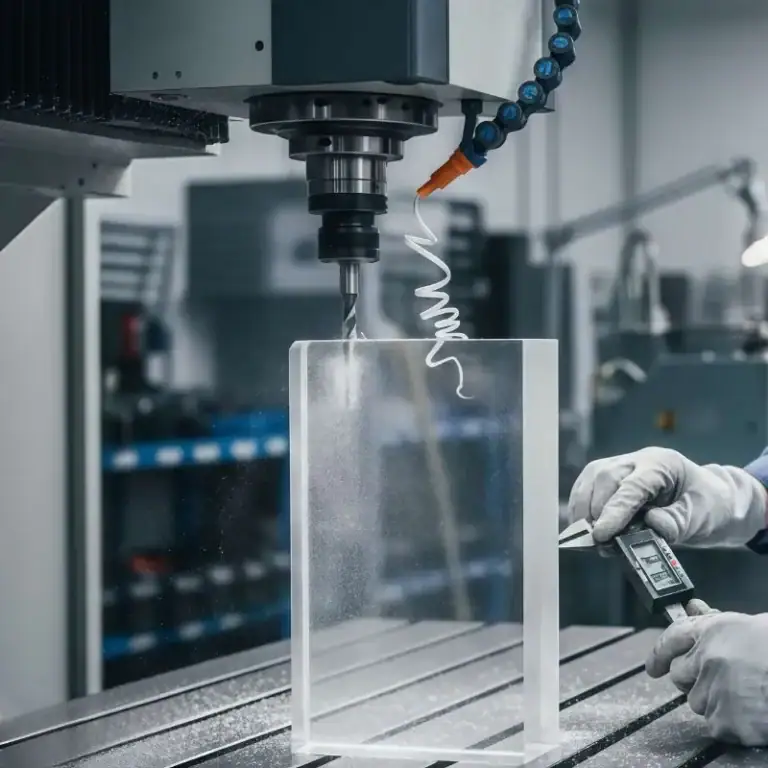
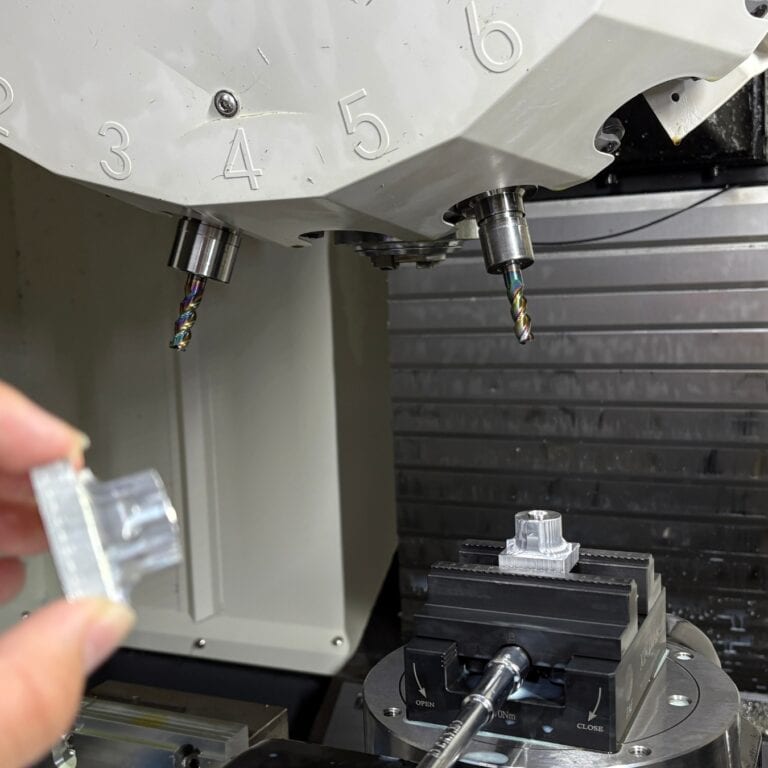
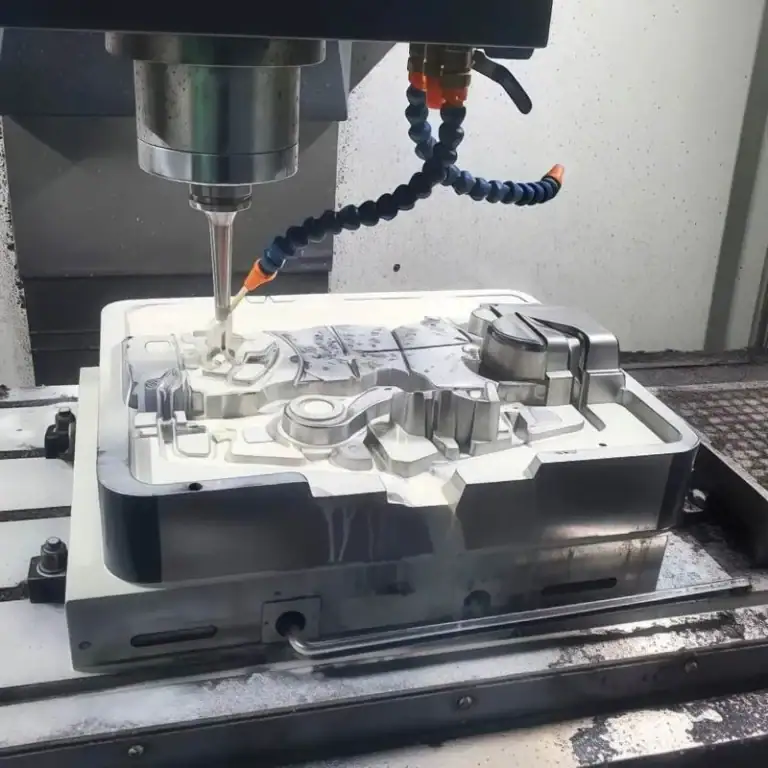
Feed rate and cutting speed are two of the most important settings in CNC machining, but they are often misunderstood or used interchangeably. In reality, each one controls a different part of the cutting process and affects machining quality, tool life, surface finish, and production efficiency in its own way.
Read on to learn how feed rate and cutting speed work, how they relate to each other, and why they matter in real production.
What Is Feed Rate In CNC Machining?
Feed rate is the speed at which the cutting tool moves relative to the workpiece during machining. In simple terms, it shows how fast the tool advances while removing material. In CNC machining, feed rate is a key parameter because it affects machining time, chip load, surface finish, and overall cutting efficiency.
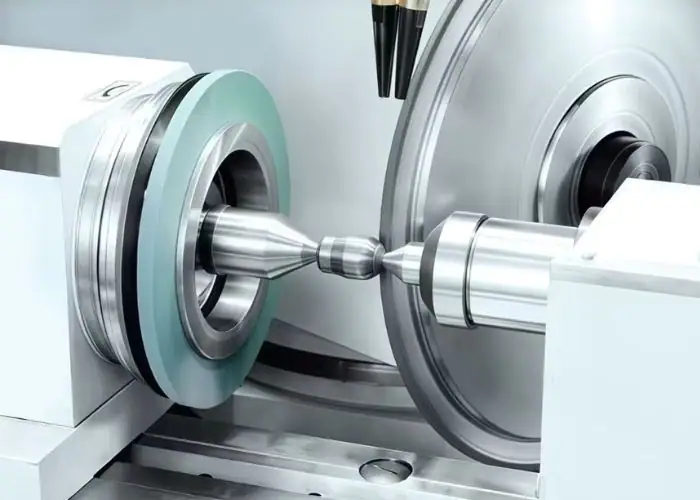
Feed rate is usually measured in mm/min or IPM. In milling, it is often calculated from feed per tooth, number of flutes, and spindle speed. This means feed rate is closely related to how much material each cutting edge removes during every rotation.
One of the main effects of feed rate is on chip load. If feed rate is too high, cutting forces increase and the tool may wear faster or become overloaded. If it is too low, the tool may rub instead of cut properly, which can also reduce machining performance.
Feed rate also affects surface finish and cycle time. Higher feed rates can improve productivity by shortening machining time, but they may also leave rougher tool marks. Lower feed rates often help improve surface quality, especially in finishing operations, but if set too low, they may reduce efficiency.
In practice, the right feed rate depends on factors such as material, tool type, cutter geometry, spindle speed, machining operation, and surface finish requirements. A proper feed rate helps balance productivity, part quality, and tool life.
What Is Cutting Speed In CNC Machining?
Cutting speed refers to the speed at which the cutting edge moves across the surface of the workpiece during machining. In other words, it describes how fast the tool engages the material at the point of contact. In CNC machining, cutting speed is a fundamental parameter because it directly affects heat generation, tool life, cutting efficiency, and overall machining performance.
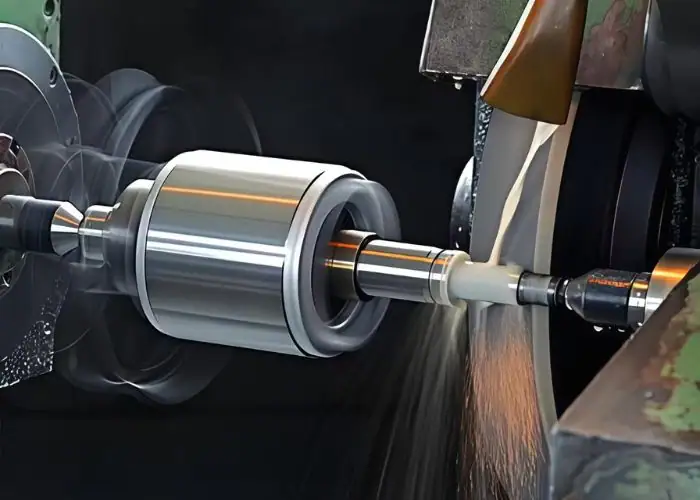
Cutting speed is usually expressed in meters per minute (m/min) or surface feet per minute (SFM). It is different from spindle speed, although the two are closely related. Spindle speed tells you how fast the tool or workpiece rotates, while cutting speed describes the actual linear speed at the cutting edge. This means the same spindle speed can result in different cutting speeds depending on the diameter of the tool or workpiece.
In machining, cutting speed plays a major role in determining how efficiently material is removed and how much heat is generated during the process. If the cutting speed is too high, it can raise cutting temperature, shorten tool life, and increase the risk of tool failure. If it is too low, machining efficiency may drop, and the cutting action may become less stable or effective.
The ideal cutting speed depends on several factors, including workpiece material, tool material, tool coating, machining operation, and cooling conditions.
Feed Rate Vs. Cutting Speed: What’s the Main Difference?
In CNC machining, feed rate and cutting speed work together, but they describe different parts of the cutting process. Because each parameter affects machining results differentlyunderstanding the distinction is important for improving part quality, extending tool life, achieving better surface finish, and maintaining efficient production.
| Category | Feed Rate | Cutting Speed |
| Definition | The speed at which the cutting tool advances relative to the workpiece | The speed at which the cutting edge moves across the workpiece surface |
| Main Motion | Tool feed movement | Cutting motion at the point of contact |
| What It Controls | How fast the tool moves into or along the cut | How fast the cutting edge travels against the material |
| Common Units | mm/min, IPM, mm/rev, mm/tooth | m/min, SFM |
| Main Effect On Machining | Chip load, machining time, surface finish | Heat generation, tool life, cutting efficiency |
| If Set Too High | May increase tool load, worsen surface finish, and cause excessive wear | May raise cutting temperature and shorten tool life |
| If Set Too Low | May reduce efficiency and cause rubbing instead of proper cutting | May lower productivity and reduce cutting effectiveness |
| Closely Related To | Feed per tooth, feed per revolution, spindle speed | Spindle speed, tool diameter, workpiece diameter |
| Typical Focus In Optimization | Productivity, chip control, surface quality | Tool life, temperature control, cutting stability |
| Simple Way To Remember | How fast the tool moves forward | How fast the cutting edge moves across the material |
Why Feed Rate And Cutting Speed Matter In CNC Machining?
Feed rate and cutting speed are critical in CNC machining because they directly affect part quality, tool life, and machining efficiency. Even with the right machine and tooling, poor parameter settings can still lead to unstable cutting and poor results.
Impact On Part Quality
One important reason these parameters matter is their effect on part quality. Feed rate has a strong influence on chip load, surface finish, and machining time, while cutting speed affects heat generation, cutting stability, and overall cutting performance. If either one is set incorrectly, the result may be poor surface finish, dimensional inaccuracy, or inconsistent machining quality.
Effect On Tool Life
Feed rate and cutting speed directly influence tool life. If cutting speed is too high, it can generate excessive heat and speed up tool wear, while an overly aggressive feed rate can place too much load on the tool and increase the chance of chipping or breakage. On the other hand, settings that are too low may reduce efficiency and prevent proper cutting action.
Role In Machining Efficiency
Another reason they matter is their role in machining efficiency. Feed rate affects how quickly the tool moves through the material, and cutting speed influences how effectively the cutting edge removes material. When both are properly optimized, manufacturers can improve productivity, shorten cycle time, and maintain better process control.
Influence On Heat And Stability
In addition, feed rate and cutting speed influence heat, vibration, and cutting stability. Improper settings can lead to chatter, unstable chip formation, and uneven cutting forces, all of which can reduce machining accuracy and repeatability.
Contribution To Cost Control
In real production, these two parameters also help balance cost and performance. Correct settings can reduce unnecessary tool replacement, prevent wasted machining time, and improve consistency across production runs. This makes feed rate and cutting speed important not only for machining results, but also for overall manufacturing cost control.
In short, feed rate and cutting speed are not just machine settings. They are key process parameters that determine whether CNC machining is efficient, stable, and cost-effective.
How Feed Rate Affects Machining Performance?
Feed rate has a direct influence on machining performance because it determines how quickly the cutting tool moves through the material. In CNC machining, it affects not only cutting efficiency but also chip formation, surface finish, cutting forces, and overall tool behavior. Even when the cutting speed is appropriate, an incorrect feed rate can still lead to unstable machining results.
Impact On Surface Finish
Feed rate plays a major role in surface finish. In general, a higher feed rate leaves more visible tool marks on the machined surface, which can result in a rougher finish. A lower feed rate usually helps produce a smoother surface, especially in finishing operations. However, if the feed rate is set too low, the tool may rub instead of cut efficiently, which can also reduce surface quality.
Effect On Chip Load
Feed rate directly controls chip load, which is the amount of material removed by each cutting edge during one pass. If the feed rate increases, chip load also increases. This can improve material removal efficiency, but it also places more stress on the tool. If the chip load becomes too high, the cutting edge may wear faster or even chip under excessive force.
Influence On Machining Time
One of the most obvious effects of feed rate is on machining time. A higher feed rate allows the tool to move faster through the cut, which can reduce cycle time and improve productivity. This is especially important in production environments where efficiency matters. On the other hand, an excessively low feed rate may increase machining time unnecessarily and reduce overall throughput.
Effect On Cutting Forces
As feed rate increases, cutting forces usually increase as well. This means the tool, spindle, and workpiece may all experience greater mechanical load. In some cases, higher cutting forces are acceptable, but if the feed rate is too aggressive, it can cause vibration, chatter, tool deflection, or dimensional inaccuracy. For precision machining, feed rate must be controlled carefully to maintain process stability.
Influence On Tool Wear
Feed rate also affects tool wear. When the feed rate is too high, the cutting edge experiences greater mechanical stress and may wear out more quickly. When it is too low, the tool may not cut efficiently and can start rubbing against the material, which may also damage the tool over time. The right feed rate helps maintain a proper cutting action and improves overall tool life.
Why Feed Rate Must Be Optimized
Feed rate should never be chosen in isolation. It must match the workpiece material, tool type, operation, spindle speed, and required part quality. In roughing, a higher feed rate may be used to improve productivity, while in finishing, a lower feed rate is often preferred for better surface quality. Optimizing feed rate is essential for balancing efficiency, accuracy, and tool performance in CNC machining.
How Cutting Speed Affects Machining Performance?
Cutting speed has a major impact on machining performance because it determines how fast the cutting edge moves against the workpiece surface. In CNC machining, this directly influences heat generation, tool wear, cutting efficiency, and process stability. Even when feed rate is properly set, an unsuitable cutting speed can still reduce part quality and shorten tool life.
Tool Life Under Different Cutting Speeds
One of the most important effects of cutting speed is on tool life. If cutting speed is too high, the temperature at the cutting edge rises quickly, which can accelerate flank wear, crater wear, and edge breakdown. This often leads to shorter tool life and more frequent tool changes. On the other hand, if cutting speed is too low, the tool may not cut efficiently, which can also reduce performance in some operations.
Heat Build-Up During Machining
Cutting speed strongly affects heat generation during machining. Higher cutting speeds usually produce more friction and more heat at the cutting zone. Excessive heat can damage the cutting edge, affect the workpiece surface, and reduce dimensional stability. This is especially important when machining heat-sensitive materials or when cooling conditions are limited.
Surface Finish And Cutting Quality
Cutting speed can also affect surface finish. In many cases, a properly increased cutting speed helps create a smoother surface because the cutting action becomes cleaner and more stable. However, if the speed is pushed too high, tool wear may increase and surface quality may begin to decline. The best surface finish usually comes from a balanced combination of cutting speed, feed rate, tool geometry, and material type.
Material Removal Efficiency
Another reason cutting speed matters is its effect on cutting efficiency. A suitable cutting speed allows the tool to remove material effectively and maintain stable cutting conditions. If the speed is too low, the process may become less productive and material removal may slow down. If it is too high, the tool may fail prematurely, which reduces overall efficiency instead of improving it.
Stability Throughout The Cutting Process
Cutting speed also plays a role in cutting stability. Incorrect speed settings can contribute to vibration, chatter, or unstable cutting behavior, especially when machining thin walls, long overhangs, or difficult materials. Stable cutting depends on using a speed that matches the tool, material, and machine setup. This is why cutting speed should always be selected as part of a complete machining strategy rather than as an isolated number.
Finding The Right Cutting Speed
Cutting speed should be adjusted based on factors such as workpiece material, tool material, coating, coolant use, and machining operation. For example, aluminum can often be machined at much higher cutting speeds than stainless steel, and carbide tools can usually handle higher speeds than high-speed steel tools. In roughing, the goal may be material removal and productivity, while in finishing, the focus may shift toward surface quality and dimensional control. Optimizing cutting speed is essential for achieving a good balance between efficiency, tool life, and machining quality.
How Feed Rate And Cutting Speed Work Together?
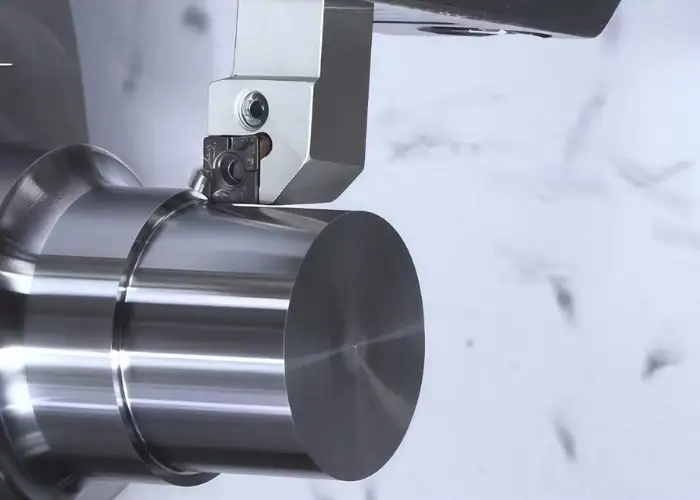
Feed rate and cutting speed work together in every CNC machining operation. Their interaction affects chip formation, tool load, surface finish, heat, and machining efficiency. To achieve stable and efficient results, both parameters must be matched to the tool, material, and operation.
Finding The Right Balance
Feed rate and cutting speed are closely connected, which means changing one often affects how the other performs. For example, if cutting speed is increased while feed rate stays too low, the tool may rub instead of cutting efficiently. If feed rate is increased too much without adjusting cutting speed, the cutting edge may face excessive load. In practice, these two parameters need to be balanced rather than adjusted separately.
Building Stable Chip Formation
One of the most important ways feed rate and cutting speed work together is through chip formation. Feed rate influences chip thickness, while cutting speed affects how the material is sheared at the cutting edge. If the balance is correct, chip formation becomes more stable and efficient. If not, the result may be poor chip evacuation, excessive heat, built-up edge, or unstable cutting conditions.
Managing Tool Load And Wear
When feed rate and cutting speed are matched properly, the tool can remove material efficiently without being overloaded or overheated. Feed rate mainly affects the mechanical load on the tool, while cutting speed has a stronger effect on temperature and wear. If both are too high, tool failure may happen quickly. If both are too low, machining may become inefficient and cutting performance may suffer.
Achieving The Desired Surface Finish
Surface finish is rarely controlled by a single parameter. Feed rate usually has a more direct effect on visible tool marks, while cutting speed contributes to cutting smoothness and edge quality. A lower feed rate with an appropriate cutting speed often gives better finishing results, while roughing may use a higher feed rate with a cutting speed chosen for productivity. This is why both parameters must be adjusted together depending on the machining goal.
Improving Overall Machining Efficiency
Feed rate and cutting speed also work together to determine overall machining efficiency. Feed rate affects how fast the tool travels through the cut, while cutting speed affects how effectively the material is removed at the cutting edge. When both are optimized, cycle time can be reduced without sacrificing part quality or tool life. In production machining, this balance is essential for achieving both speed and reliability.
Matching Parameters To The Operation
The best combination of feed rate and cutting speed depends on the operation. Roughing usually requires a more aggressive combination to maximize material removal, while finishing uses more controlled settings to improve surface quality and dimensional accuracy. Drilling, milling, and turning also require different parameter relationships. That is why recommended values often vary by tool type, material, and machining goal.
Common Mistakes When Setting Feed Rate And Cutting Speed
Feed rate and cutting speed are essential in CNC machining, but they are often set incorrectly in practice. These mistakes can lead to poor surface finish, short tool life, unstable cutting, and lower efficiency. Understanding the most common problems helps improve machining results and avoid unnecessary costs.
Treating Feed Rate And Cutting Speed As The Same Thing
One of the most common mistakes is confusing feed rate with cutting speed or treating them as interchangeable settings. Although they are closely related, they control different parts of the machining process. Feed rate affects tool advance, chip load, and machining time, while cutting speed mainly affects heat, tool wear, and cutting efficiency. If they are not understood separately, parameter adjustment becomes inaccurate from the start.
Setting Parameters Without Considering The Workpiece Material
Another common mistake is using the same feed rate and cutting speed for different materials. Aluminum, stainless steel, titanium, plastics, and mild steel all respond differently to cutting conditions. A parameter combination that works well for aluminum may be too aggressive for stainless steel or too conservative for softer plastics. Material properties such as hardness, thermal conductivity, and chip behavior must always be considered when setting machining parameters.
Ignoring Tool Material And Tool Geometry
Feed rate and cutting speed should also match the cutting tool. Many errors happen when operators overlook tool material, coating, flute count, or geometry. For example, a carbide tool can usually run at higher cutting speeds than a high-speed steel tool, and a tool with more flutes may require a different feed calculation. Using recommended values without checking the actual tool specification can lead to poor cutting performance and faster tool wear.
Using Excessive Cutting Speed
Setting cutting speed too high is a frequent mistake, especially when the goal is to reduce cycle time. While higher speed can improve productivity in some cases, excessive speed often generates too much heat, accelerates tool wear, and increases the risk of edge breakdown. In difficult materials, it may also reduce cutting stability and damage the workpiece surface. Higher speed is not always better if it shortens tool life or creates inconsistent results.
Using Feed Rate That Is Too Low Or Too High
Feed rate errors are also very common. If feed rate is too high, tool load increases and surface finish may become rougher. The tool may also experience vibration, deflection, or chipping. If feed rate is too low, the tool may rub instead of cut properly, which reduces efficiency and can still damage the cutting edge. The right feed rate should create a stable chip load and support efficient material removal without overloading the tool.
Failing To Balance Feed Rate And Cutting Speed Together
Another mistake is adjusting feed rate or cutting speed independently without checking how the other parameter is affected. These two values work together, so changing one often requires reevaluating the other. For example, increasing cutting speed without enough feed may cause rubbing, while increasing feed too much at a fixed speed may overload the cutting edge. Stable machining depends on balancing both values, not optimizing one in isolation.
Overlooking The Difference Between Roughing And Finishing
Roughing and finishing require different machining priorities, but this is sometimes ignored when setting feed rate and cutting speed. Roughing usually allows more aggressive settings to remove material quickly, while finishing needs more controlled conditions to improve surface quality and dimensional accuracy. Using roughing parameters in a finishing operation can harm part quality, and using finishing parameters during roughing can reduce productivity unnecessarily.
Relying Too Much On Generic Values
Standard recommendations are useful starting points, but relying on them without adjustment is another common mistake. Real machining conditions vary depending on machine rigidity, fixturing, coolant use, tool overhang, part geometry, and spindle capability. A feed rate or cutting speed taken from a chart may not work well in every shop environment. Good machining practice requires testing, observation, and adjustment based on actual cutting behavior.
Not Monitoring Cutting Results
Even when feed rate and cutting speed look correct on paper, they should still be checked during machining. Ignoring sound, chip shape, vibration, heat, surface finish, or tool wear can allow small problems to become larger ones. Monitoring real cutting results is an important part of parameter setting because it shows whether the chosen values are truly working in practice.
Avoiding these mistakes helps improve machining stability, extend tool life, reduce scrap, and control production costs. Feed rate and cutting speed are not just numbers entered into a program. They are key process settings that should be selected with the material, tool, operation, and machining goal in mind. The better these parameters are understood, the more reliable and efficient the machining process becomes.
How To Choose The Right Feed Rate And Cutting Speed?
Choosing the right feed rate and cutting speed is essential for stable machining, good part quality, and efficient production. These parameters should match the material, tool, operation, and machining goal. A proper combination helps improve cutting performance and reduce machining problems.
Start With The Workpiece Material
The first step is to consider the material being machined. Different materials respond very differently to cutting conditions. For example, aluminum usually allows higher cutting speeds than stainless steel, while harder materials often require more conservative settings. Material hardness, thermal conductivity, and chip formation all influence how aggressively feed rate and cutting speed can be set.
Check The Tool Material And Geometry
Tool selection also plays a major role. Carbide tools can usually run at higher cutting speeds than high-speed steel tools, and tool coatings may further improve heat resistance and wear performance. Geometry matters as well. The number of flutes, cutting edge design, tool diameter, and overhang length can all affect the recommended feed rate and speed. The chosen parameters should always match the actual tool being used.
Consider The Type Of Machining Operation
The right settings also depend on the machining operation. Roughing usually uses a higher feed rate to increase material removal, while finishing often uses a lower feed rate to improve surface finish. Drilling, milling, and turning each require different parameter relationships. This means there is no single feed rate or cutting speed that works for every operation, even on the same material.
Use Manufacturer Recommendations As A Starting Point
A practical way to begin is to use cutting data from the tool manufacturer or machining handbook. These values provide a useful starting range for feed rate and cutting speed based on material and tool type. However, they should not be treated as fixed values. Real machining conditions may require adjustment depending on machine rigidity, coolant use, fixturing, and part geometry.
Adjust Based On Tool Life And Surface Finish
Once machining begins, the selected parameters should be evaluated through actual results. If tool wear is too fast, cutting speed may be too high or feed rate may be overloading the cutting edge. If the surface finish is poor, feed rate may need to be reduced or cutting speed may need adjustment. Good parameter selection often comes from controlled testing and observation rather than a single preset value.
Balance Productivity With Stability
Higher feed rates and cutting speeds can improve productivity, but they also increase the risk of vibration, heat, and tool wear if pushed too far. Lower values may improve control, but they can also reduce efficiency and cause rubbing instead of proper cutting. The goal is not simply to use the fastest settings possible, but to find a stable balance between productivity, part quality, and tool life.
Match Parameters To Roughing And Finishing Goals
It is also important to match feed rate and cutting speed to the goal of the operation. In roughing, the focus is usually on removing as much material as possible in less time, so more aggressive values may be acceptable. In finishing, the focus shifts toward surface quality, dimensional accuracy, and process stability. This often requires more controlled and refined parameter settings.
Monitor Chips, Sound, And Cutting Behavior
During machining, real cutting behavior provides valuable feedback. Chip shape, cutting sound, vibration, spindle load, surface finish, and tool wear all show whether the chosen feed rate and cutting speed are suitable. Stable chips, consistent sound, and predictable tool wear usually indicate that the parameters are close to optimal. This kind of monitoring is an important part of selecting the right settings in real production.
Choosing the right feed rate and cutting speed is not just about following formulas or charts. It is about matching the cutting conditions to the material, tool, machine, and machining objective. When done correctly, it improves efficiency, protects tooling, and helps produce better parts more consistently.
FAQs
How To Calculate Cutting Speed And Feed Rate?
Cutting speed is typically calculated with the formula Vc = π × D × N / 1000 in metric units, where D is tool diameter in mm and N is spindle speed in rpm. Feed rate is commonly calculated as F = fz × Z × N in milling, where fz is feed per tooth, Z is flute count, and N is rpm. For example, with fz = 0.08 mm/tooth, Z = 4, and N = 3000 rpm, feed rate equals 960 mm/min.
Is A Higher Cutting Speed Always Better?
No, a higher cutting speed is not always better. While increasing cutting speed can improve productivity and sometimes surface finish, it also raises cutting temperature and often accelerates tool wear. For example, excessive speed can reduce carbide tool life significantly, sometimes by more than 30%–50% depending on material and coolant conditions. The right cutting speed should balance efficiency, tool life, thermal control, and part quality rather than simply aiming for the highest possible number.
Does Feed Rate Affect Cutting Speed?
Feed rate does not directly change cutting speed, because cutting speed is mainly determined by spindle speed and tool or workpiece diameter. However, feed rate does affect how cutting speed performs in practice by changing chip load, cutting force, and overall cutting stability. For example, if feed rate is too low at a given cutting speed, the tool may rub instead of cut efficiently. If feed rate is too high, cutting load increases and may make the selected cutting speed less stable or less sustainable.
Conclusion
Feed rate and cutting speed are two essential parameters in CNC machining, but they influence the cutting process in different ways. Feed rate mainly affects tool advance, chip load, surface finish, and machining time, while cutting speed has a greater impact on heat generation, tool life, and cutting efficiency. Understanding how they differ—and how they work together—helps manufacturers choose better machining conditions, improve part quality, and achieve more stable production results.
At TiRapid, we help turn your designs into high-quality machined parts with reliable CNC machining and custom manufacturing support. Send us your drawings and let our team help you find the right solution for your project.